Bounce Rate Explained: How to Keep Visitors on Your Website
Getting people to visit your website is only half the job. The real challenge begins after they arrive. If visitors land on a page and quickly leave without exploring your content, completing an action, or visiting another relevant page, your website may be losing valuable opportunities.
Understanding visitor behavior is therefore essential for businesses investing in SEO, paid advertising, content marketing, social media, and website development. Learning how to Reduce Website Bounce Rate can help you create a better experience, encourage deeper engagement, and turn more visitors into enquiries, customers, subscribers, or leads.
A high bounce rate does not automatically mean that a website is poor. Context matters. However, when important service pages, landing pages, or conversion-focused pages consistently fail to engage visitors, it is worth investigating why people are leaving.
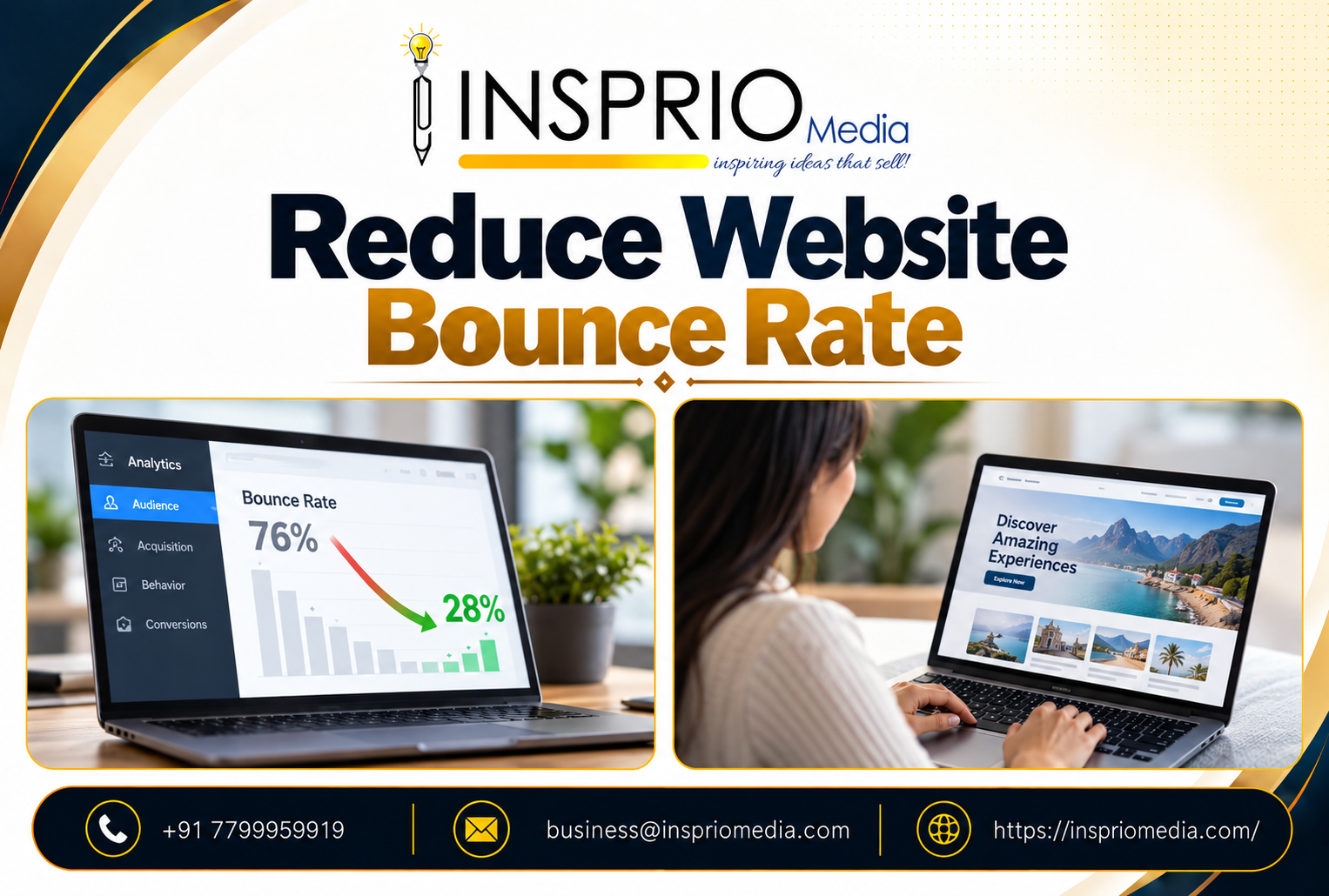
What Is Website Bounce Rate?
Bounce rate is a website engagement metric used to understand how visitors interact with a page or website. In Google Analytics 4, bounce rate represents the percentage of sessions that were not considered engaged sessions.
According to Google Analytics, an engaged session is one that lasts longer than 10 seconds, contains a key event, or includes at least two page or screen views.
This definition is important because simply opening one page does not tell the whole story. A visitor may spend several minutes reading a useful article and leave after finding exactly what they needed. That behaviour is different from someone opening a landing page, finding it confusing, and closing it within seconds.
Why Do Visitors Leave Websites?
Before trying to Reduce Website Bounce Rate, identify what is creating friction. Different websites may experience different problems, but several causes appear repeatedly.
1. Slow Website Loading
Visitors expect pages to respond quickly. Heavy images, unnecessary scripts, poorly configured hosting, oversized videos, excessive plugins, and inefficient code can all slow a website.
Performance also affects overall page experience. Google recommends paying attention to Core Web Vitals and broader user experience considerations. Website owners can review Google's page experience documentation when evaluating technical improvements.
Optimising loading performance is one of the most practical ways to Reduce Website Bounce Rate, especially for mobile users who may be browsing over inconsistent network connections.
2. The Page Does Not Match Search Intent
Imagine searching for “website SEO services” and landing on a page that mainly discusses logo design. Even if the page is attractive, it does not answer the visitor's immediate question.
SEO titles, page headings, advertisements, meta descriptions, and social media posts should accurately represent the content users will see after clicking.
Businesses trying to strengthen their organic visibility can also learn more about website SEO services and sustainable business growth.
How to Reduce Website Bounce Rate
Make Your First Screen Immediately Useful
The top section of your page should quickly communicate three things: what the page is about, who it is for, and what the visitor should do next.
Avoid forcing users to scroll through oversized banners, vague slogans, or unnecessary animations before reaching useful information. A clear headline, short supporting statement, suitable visual, and visible call-to-action can immediately improve clarity.
This is particularly important for businesses using performance marketing to generate measurable business growth. Paid traffic becomes expensive when visitors arrive but cannot quickly understand the offer.
Improve Website Speed and Core Web Vitals
Technical optimisation should be a priority when you want to Reduce Website Bounce Rate. Compress images, use modern image formats, reduce unnecessary JavaScript, configure caching, improve server performance, and remove resources that block important content from appearing.
Google's Largest Contentful Paint optimisation guide explains techniques for improving the speed at which the main content becomes visible. Responsiveness also matters, and the Interaction to Next Paint optimisation guide provides guidance on improving user interactions.
Create Easy-to-Scan Content
Most visitors do not initially read every sentence. They scan headings, highlighted sections, lists, images, buttons, and important phrases before deciding whether to continue.
Use descriptive headings, short paragraphs, useful lists, relevant images, comparison tables, and sufficient white space. The W3C's web accessibility writing guidance also recommends meaningful headings, understandable language, and descriptive links.
Clear presentation can help Reduce Website Bounce Rate because visitors can quickly locate the information that matters to them.
Use Internal Links to Encourage the Next Click
A visitor should rarely reach a dead end. Internal links help people move naturally from one useful topic to another.
For example, a business owner learning about engagement may also be interested in understanding why social media management is important for business growth. A local company may want to explore GMB SEO services for better Google Maps visibility.
Businesses planning a new website can continue with this guide to building fast, secure and SEO-friendly websites, while companies looking for wider online growth can explore digital marketing services for growing a business online.
These contextual connections help users discover additional relevant information instead of returning immediately to a search engine.
Improve Visual Trust and Brand Consistency
Visitors form impressions quickly. Poor typography, inconsistent colours, outdated layouts, stretched images, confusing navigation, or excessive promotional elements can reduce trust.
Strong visual communication also supports engagement. Businesses can learn how graphic design helps create a stronger brand identity and how professional branding services build consistent business identities.
Brands using visual product presentations can also explore 3D design services for engaging visual experiences.
Give Visitors a Clear Next Action
Sometimes people leave because the page does not tell them what to do next.
Every important page should have a logical action. Depending on the page, this could be:
- Request a quotation
- Call the business
- Submit an enquiry
- Book a consultation
- Read a related article
- View services
- Download useful information
- Visit a product or pricing page
A strong call-to-action should match the visitor's stage in the buying journey. Someone reading an educational article may prefer another useful resource before requesting a consultation.
A balanced strategy can connect online activity with offline campaigns as well. Learn how offline marketing can strengthen local brand visibility.
Reduce Intrusive Pop-Ups and Distractions
Pop-ups can support conversions when used carefully, but displaying a large interruption immediately after someone opens a page can create frustration.
Allow users enough time to understand the page before introducing optional offers. On mobile devices especially, forms and overlays should not cover the entire useful viewing area.
Google's page experience guidance recommends avoiding intrusive interstitials that interfere with the main content. Removing unnecessary distractions is another practical way to Reduce Website Bounce Rate.
Make Your Website Mobile-Friendly
A design that looks excellent on a desktop monitor can still provide a poor mobile experience. Test important pages on different screen sizes.
Check whether:
- Text is comfortable to read without zooming.
- Buttons have enough space around them.
- Forms are easy to complete.
- Navigation works correctly.
- Images scale properly.
- Tables do not break the page layout.
- Important actions remain visible.
Improving mobile usability can significantly Reduce Website Bounce Rate because visitors can access information without fighting against the interface.
Optimise Images Without Sacrificing Quality
Images add personality and context, but oversized image files can unnecessarily increase loading times. Resize photographs appropriately, compress them, use suitable next-generation formats, and avoid loading large off-screen assets before they are needed.
Mozilla's MDN lazy-loading guide explains how deferring non-critical resources can help shorten the initial loading path.
Measure the Right Pages
Do not analyse bounce rate only at the website-wide level. Compare individual landing pages, traffic sources, device categories, campaigns, service pages, and blog posts.
| Page Type | Visitor Goal | What to Examine |
|---|---|---|
| Service Page | Understand or purchase a service | CTA clicks, enquiries, calls and page engagement |
| Blog Article | Find information | Reading engagement and related-page clicks |
| Landing Page | Complete one specific action | Conversions and abandonment points |
| Homepage | Understand the business | Navigation to key services and contact actions |
This page-level analysis helps you identify exactly where you need to Reduce Website Bounce Rate instead of making unnecessary changes across the entire website.
Insprio Media Tip
Do not redesign a page simply because its bounce rate appears high. Review search intent, traffic source, engagement time, conversions, device performance, loading speed and user journey together. A meaningful improvement comes from identifying the reason behind visitor behaviour rather than optimising one number in isolation.
Frequently Asked Questions
1. What is a good website bounce rate?
There is no universal percentage that is ideal for every website. Bounce behaviour varies by industry, page type, traffic source and visitor intent. Compare similar pages and monitor changes over time instead of relying on one universal benchmark.
2. How can I Reduce Website Bounce Rate quickly?
Begin with high-impact problems: improve loading speed, clarify the main headline, remove distracting elements, make mobile navigation easier, strengthen your call-to-action, and add relevant internal links.
3. Does bounce rate affect SEO rankings?
Bounce rate itself should not be treated as a simple direct ranking score. Instead, concentrate on providing relevant content and a strong overall page experience. Google's search documentation recommends focusing on helpful content and overall user experience rather than optimising a single metric in isolation.
4. Can slow website speed increase bounce rate?
Slow loading can create friction before visitors even begin consuming your content. Improving server response, images, CSS, JavaScript and Core Web Vitals can provide visitors with a smoother experience.
5. Can internal linking Reduce Website Bounce Rate?
Relevant internal links can encourage visitors to continue their journey by directing them to related services, guides or resources. Links should be contextual and genuinely useful rather than inserted purely for SEO.
6. Why is my landing page bounce rate high?
Common causes include poor alignment between the advertisement and landing page, slow speed, unclear messaging, complicated forms, weak calls to action, mobile usability problems and a lack of trust signals.
7. Should I remove all pop-ups to reduce bounce rate?
Not necessarily. Useful pop-ups can still support conversions. The important factor is timing and presentation. Avoid immediately blocking the content visitors came to see.
8. How often should bounce rate be checked?
Monitor performance regularly, especially after redesigns, SEO changes, advertising campaigns, content updates or technical improvements. Analyse meaningful trends rather than reacting to small daily fluctuations.
Final Thoughts
Learning how to Reduce Website Bounce Rate is ultimately about understanding people rather than chasing analytics numbers. Visitors stay when a website loads quickly, answers their question, feels trustworthy, works properly on their device and gives them a logical next step.
Start with your most important landing and service pages. Check search intent, loading performance, mobile usability, content structure, navigation, calls to action and internal linking. Then measure how visitor behaviour changes after each improvement.
When SEO, website development, branding and marketing work together, your website can do more than generate traffic—it can guide visitors toward meaningful actions and long-term relationships.
For more digital marketing, website development, branding and performance-focused solutions, visit Insprio Media.
Contact Insprio Media:
Phone: +91 7799959919
Email: business@inspriomedia.com