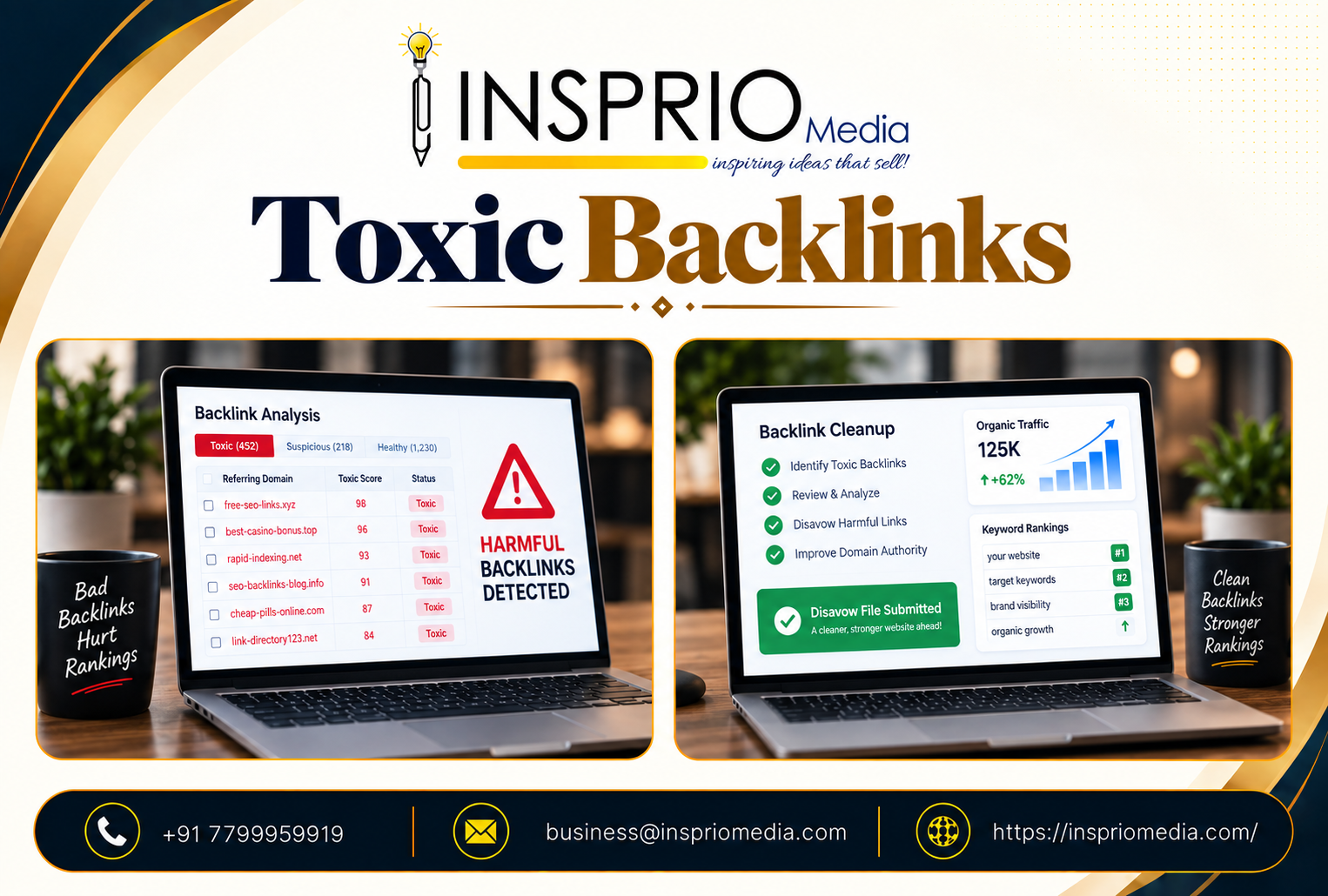
Toxic backlinks are links that come from spammy, manipulative or hacked sites and could put your site at risk, usually because you or someone working for you built them to influence rankings. Most low-quality links are not toxic in that sense. Google says it is good at ignoring them, so you should not panic and delete everything an SEO tool flags.
The practical rule is this: act when there is evidence of a pattern you created, or a warning from Google. Do not act because a third-party score looks alarming.
Toxic, low-quality and harmless: three different things
The word 'toxic' is mostly a product of SEO tools, not Google. Tools assign a risk score using their own rules. Google does not publish a toxicity rating, and it does not use these scores. It helps to separate three groups.
- Harmless oddities. Scraper sites copying your content, auto-generated directories, foreign-language sites that mention you, old forum links. Every website that has existed for a while collects these. Google generally ignores them.
- Low-quality links you did not cause. Spammy sites that link to you at random. Again, normally ignored, and no action is required in most cases.
- Genuinely risky links. Paid links, private blog networks, large-scale link exchanges, hidden links, and aggressive guest posting with keyword-heavy anchors, especially if they were built on purpose. These can lead to a manual action or to Google discounting the signals you thought you had.
Where odd links come from
Understanding the source stops needless worry.
- Automation and scrapers. Bots copy websites and their links across the web.
- Past SEO work. A former agency or freelancer may have bought links, submitted to directories in bulk, or used cheap packages. This is the most common reason for a real problem, and it often surfaces after a change of vendor.
- Hacked sites. Links injected into compromised websites, sometimes pointing to yours.
- Negative SEO. Someone deliberately pointing spam links at a competitor. It is discussed a lot, but Google has said its systems are designed to handle it, and it is much rarer than people fear.
- Old campaigns. Press releases, widget embeds or sponsorships from years ago that now sit on poor pages.
Signs that deserve a closer look
A real backlink problem tends to show up as a combination of signals, not just a score.
- A message in Search Console. A manual action for unnatural links is a clear signal. Check the Manual Actions report.
- A history of buying links. If you or a previous agency paid for links, find out exactly what was done.
- Unnatural anchor text. A huge share of links using the same commercial phrase, such as 'best interior designer in Hyderabad', looks manufactured.
- A sudden spike. Thousands of new links from unrelated sites arriving in a short time, with no campaign or news to explain them.
- Rankings fell after links were built. Timing matters, but remember that other changes may be the real cause. Our guide on Google ranking drops covers what to rule out first.
If none of these apply and your site is performing steadily, a list of strange referring domains is rarely worth much of your time.
How to review your backlinks sensibly
Use Google Search Console's links report as a baseline, and a third-party tool for a fuller view. Then look at the links as a person would.
- Would this site exist if search engines did not?
- Does it have real content and real readers?
- Does it relate to your industry, city or audience?
- Is the link natural in context, or stuffed in?
- Was it created by you, someone you hired, or randomly by others?
Group what you find into 'normal', 'poor but not our doing' and 'ours and manipulative'. Only the third group needs thought. Resist bulk decisions based on a metric. Healthy sites often have a large percentage of links from poor pages, simply because the web is full of them.
What to do about harmful links
First, try to remove them
If links were built by you or an agency, contact the site owners and ask for removal. Keep a record of attempts. It is slow and often unsuccessful, but it shows good faith, and it is what Google asks for in the case of a manual action.
Then, consider the disavow tool
The disavow tool asks Google to ignore specified links or domains when assessing your site. Google describes it as an advanced feature that most sites will not need, and warns that using it incorrectly can harm performance. It is appropriate in a narrow set of cases: you have a manual action for unnatural links, or you have a large number of manipulative links you know you created and cannot remove.
Common mistakes with disavow:
- Disavowing everything a tool flags, including perfectly good links.
- Using it as a routine monthly clean-up.
- Disavowing as a reaction to a ranking drop that had another cause.
- Uploading a list without understanding what is on it.
If you have a manual action
Follow Google's process: document what happened, remove what you can, disavow the remainder, and submit a reconsideration request that explains honestly what went wrong and what you have changed. Vague or defensive requests tend to be rejected.
A typical situation, and a sensible response
Consider a Hyderabad furniture retailer that changes its SEO vendor. The new team runs a backlink report and finds thousands of links from unfamiliar sites, many with keyword-heavy anchors. The owner is alarmed and asks for all of them to be removed.
A calm review would first check Search Console for any manual action, then ask the previous vendor what link work was done, then sort the links by who created them. If the retailer never bought links, the unfamiliar sites are probably noise and nothing needs doing. If the former vendor did buy links, those are worth documenting, and removal requests are worth sending. Disavow comes last, and only for what cannot be removed.
Notice that nothing here involves deleting links at random, and nothing is done in a hurry.
Prevent the problem instead of cleaning it up
The cleanest approach is to build links in a way that never creates the problem. Ask any provider exactly how links are obtained, and walk away from vague answers. Be wary of low-cost packages with a fixed number of links per month. Make sure you own a record of any past link work. And invest in the kinds of links that carry no risk: real mentions, partnerships and useful content that others choose to cite. Our article on link building strategies explains what that looks like in practice.
Also keep your own site secure. Hacked sites often show up with spam pages and injected links, which damages trust more directly than any inbound link. Regular updates and sound hosting are part of website maintenance for exactly this reason.
What about 'authority' scores and toxicity scores?
Treat them as prompts to investigate, not verdicts. They are third-party estimates and use their own logic. We explain how to read them in our piece on domain authority. A high toxicity score on its own does not prove that your site is at risk, and a low score does not prove it is safe.
How Insprio Media can help
If you suspect a link problem, we can review your profile calmly, separate noise from real risk and advise whether any action is needed at all. Often the best advice is to leave things alone and improve the site. Learn more about our SEO services or talk to us if you have received a warning from Google.