
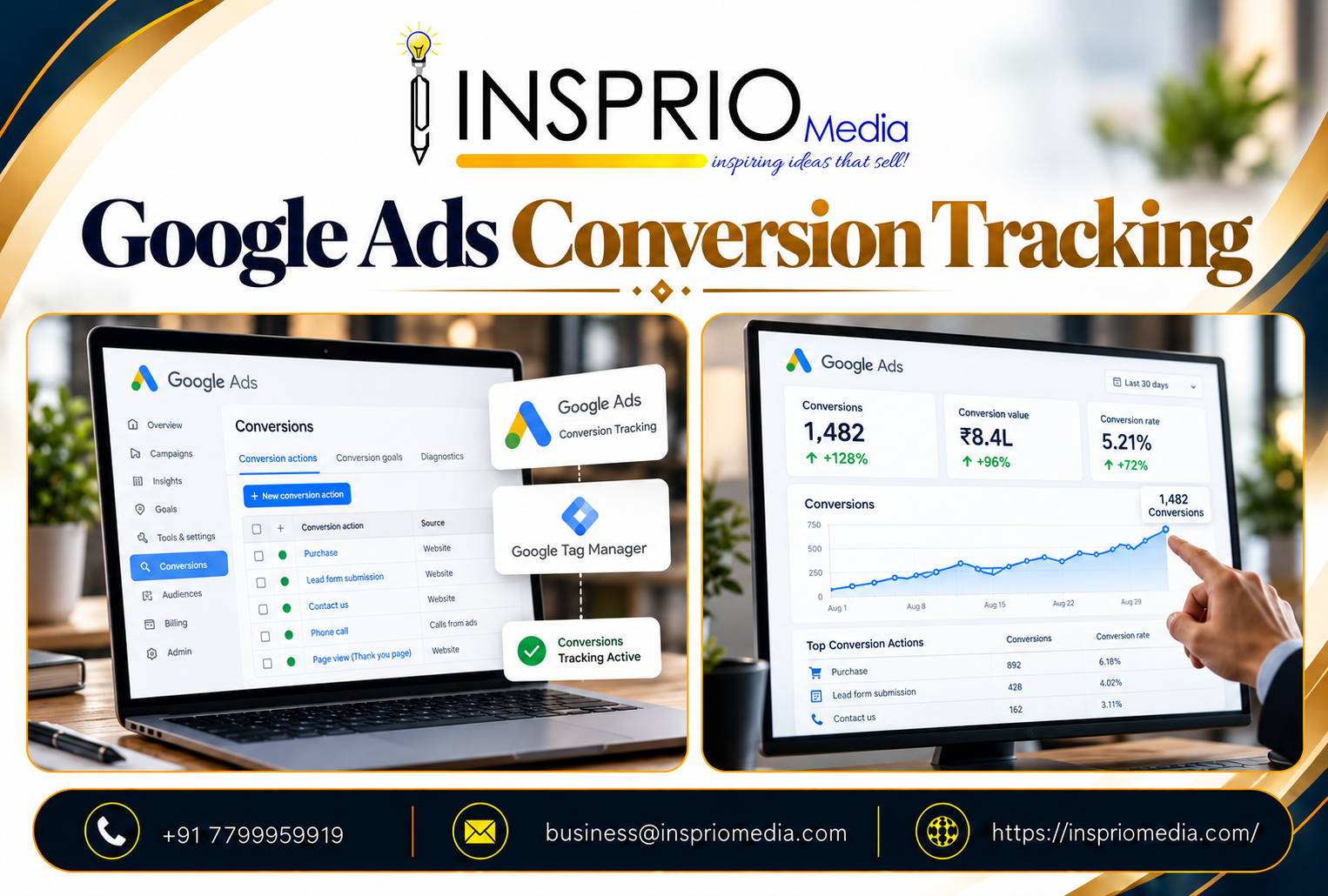
Google Ads conversion tracking records what happens after someone clicks your ad: a form submission, a phone call, a purchase, a booking. It tells you which campaigns and keywords produce real business results, and it feeds the automated bidding system the information it learns from. Without it, you are measuring clicks, not outcomes.
Setting it up is not the hard part. Deciding what deserves to be counted, and checking that the count is honest, is where most accounts go wrong.
What is a conversion?
A conversion is any action you want a visitor to take that has value to your business. It is not the same as a visit or a click. Typical examples:
- Contact or enquiry form submissions.
- Phone calls from the ad or from your website.
- WhatsApp or chat starts.
- Online purchases, with the order value.
- Booking requests, appointment slots or demo requests.
- Store visits or app installs, for businesses where those matter.
It helps to separate the main goal from the supporting steps. A purchase or a qualified enquiry is a primary conversion. Adding to cart, viewing a pricing page or downloading a brochure can be useful signals, but they are different in value. Google Ads lets you mark conversion actions as primary or secondary, which controls whether they are used for bidding. Keep primary actions for outcomes you would genuinely pay for.
Why conversion tracking matters
It shows what is actually working
Two campaigns can have the same click-through rate and very different results. Only conversion data tells you which one brings enquiries, and at what cost.
It teaches automated bidding
Smart Bidding and Performance Max campaigns optimise toward the conversions you report. Good data produces good decisions. Spammy or low-value conversions produce more of the same, faster.
It exposes weak pages and processes
If clicks are healthy and conversions are low, the issue may sit on the landing page, the form, the phone line or the follow-up. Our guide to Google Ads landing pages looks at the page side.
It makes agency work accountable
When you can see leads by campaign, you can judge any partner on outcomes. That is healthier for everyone than debating impressions.
How conversion tracking works, in plain terms
When someone clicks your ad, Google can attach a click identifier to the visit. If the visitor later completes an action you track, a small piece of code on your website, called the Google tag, sends a signal back to Google Ads. Google then links the action to the ad click and shows it in your reports.
You can set this up in several ways:
- Directly with the Google tag on your website.
- Through Google Tag Manager, which is common when several tags are managed together.
- By importing goals from Google Analytics, though many advertisers prefer to measure directly in Google Ads for the main actions.
- By uploading offline results, such as leads that turned into sales, back into Google Ads.
We will not walk through every click here, because the exact screens change often and Google's own help pages are the right reference. What matters is understanding the choices and checking the results.
Decisions that matter more than the setup
Which actions get counted for bidding?
Count the actions that reflect real intent. For a clinic, that may be appointment requests and calls above a certain length. For an online store, completed purchases with accurate values. For a B2B company, qualified enquiries rather than every download.
How are conversion values handled?
For ecommerce, pass the actual order value so Google can optimise for revenue. For lead generation, you can assign values based on how likely each type of lead is to become a customer. Do this thoughtfully. A made-up value that does not reflect reality will mislead the system.
How should you count repeat actions?
For leads, count one conversion per click, as one person submitting a form twice is still one enquiry. For purchases, count every one.
What is the conversion window?
This is how long after a click an action can still be credited. Longer sales cycles, such as property or machinery, may need longer windows than quick impulse purchases.
Calls, WhatsApp and offline sales
In India, many leads never touch a form. People tap to call, message on WhatsApp or walk in. If you only track form fills, you will undercount, and the account may look worse than it is. Track calls from ads and from your website, and track WhatsApp click events where relevant. Then check against your own records.
For offline outcomes, such as a booked site visit or a closed order, record which lead source brought the customer and, where practical, send it back to Google Ads. This is especially useful for B2B and high-value local services. It lets the system learn what a good lead looks like instead of what a cheap lead looks like. Our article on Google Ads for B2B lead generation goes into why this matters.
Enhanced conversions and privacy
Browsers and privacy rules limit what cookies can do, so some conversions are no longer visible through basic tracking. Enhanced conversions allow you to send hashed customer details, such as an email address provided in a form, to improve measurement accuracy. They are designed to respect user privacy and require that you handle consent properly.
If your visitors are in regions with consent requirements, such as the UK and the European Economic Area, you will also need to look at consent mode and your cookie banner. Businesses with clients in the UK, UAE and other regions should have this set up from the start rather than as an afterthought.
How to test that tracking works
Never assume. Run a few checks before you rely on the numbers:
- Complete a test enquiry yourself and confirm that it appears in the account, with the correct action name.
- Check that the thank-you step fires only after a real submission, not on page load.
- Confirm that one submission is counted once.
- Compare Google Ads leads with the leads that actually arrived in your email, CRM or phone log.
- Look for a status warning in the conversion actions list, such as inactive tag or no recent conversions.
Re-check after any website change. A redesign, a new form plugin or a changed thank-you page is the most common reason tracking breaks silently. If your website is managed separately, make sure whoever updates it knows the tracking exists. Our website maintenance service covers this kind of upkeep.
Common conversion tracking mistakes
- Counting everything. Page views, scrolls and button clicks marked as primary conversions inflate numbers and mislead bidding.
- Duplicate tags. The same action reported twice by a plugin and by Tag Manager doubles your results.
- Counting the wrong page. A tag on a page that people can reach without enquiring records fake conversions.
- Ignoring calls. Missing phone leads makes strong campaigns look weak.
- Never reviewing lead quality. A conversion is only as good as the customer behind it.
- Changing goals mid-campaign without noting it. Reports before and after are no longer comparable.
Using the data once it is reliable
Once tracking is trustworthy, use it to ask better questions. Which keywords produce leads at a reasonable cost? Which ads and pages convert better? What does lead quality look like by campaign? That is the groundwork for improving cost per lead and choosing between bidding strategies sensibly.
How Insprio Media can help
We check tracking before we touch campaigns, because every other decision depends on it. If you are unsure whether your numbers are right, or you have never tracked calls or WhatsApp leads, our Google Ads management team can audit your setup and fix what is missing.