
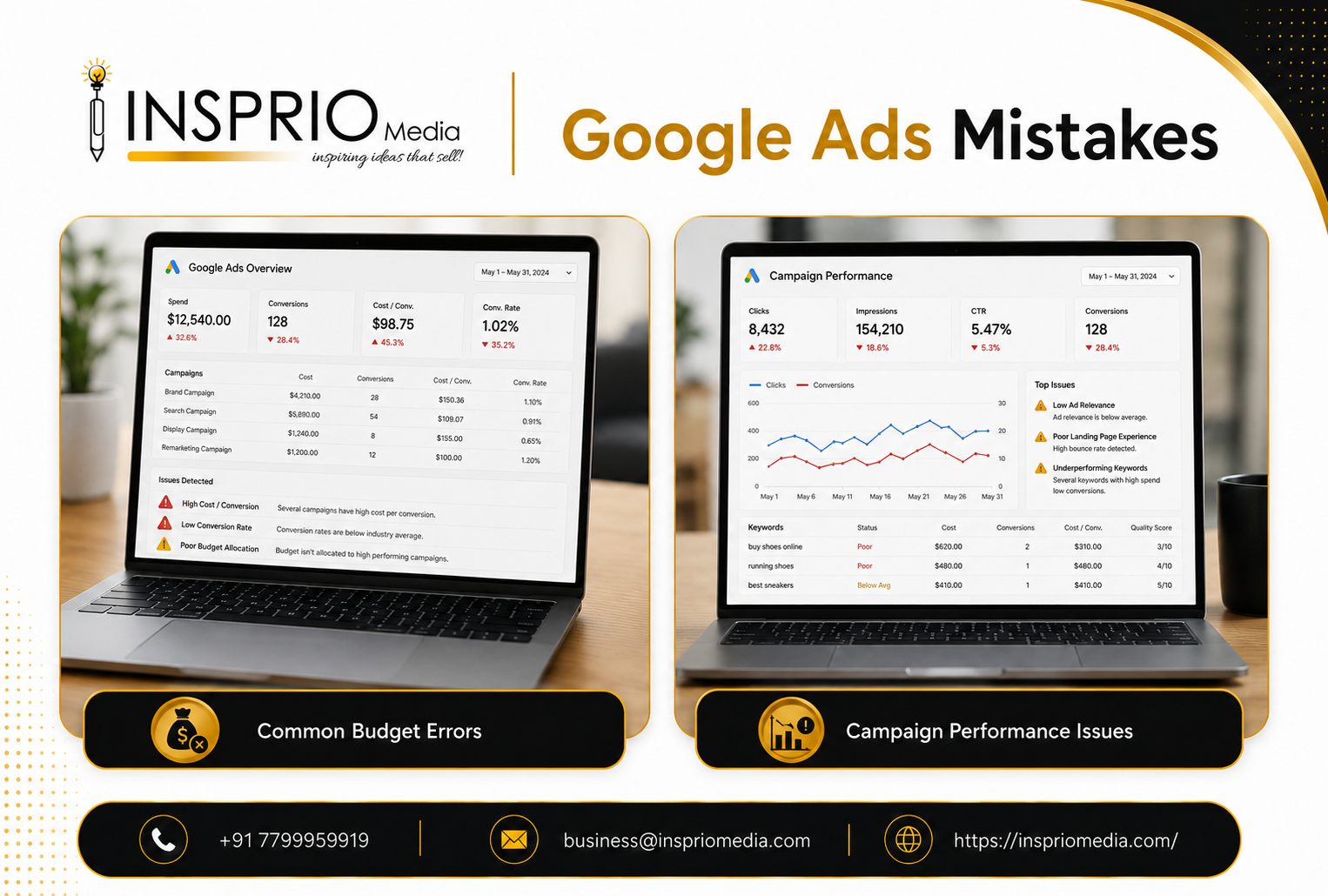
The Google Ads mistakes that waste the most money are rarely exotic. They are missing or inaccurate conversion tracking, keywords that match the wrong searches, no negative keywords, ads that do not fit the search, landing pages that do not convert, and judging results too early or on the wrong numbers. Fixing these usually helps more than any advanced tactic.
Here are ten of the most common, with how to recognise each in your own account.
Mistakes in tracking and targeting
1. Running ads without proper conversion tracking
If you cannot see which clicks became calls, enquiries or sales, you are guessing. Worse, automated bidding learns from whatever you track, so poor tracking steers spend in the wrong direction. Check that form submissions, calls and where relevant WhatsApp clicks are all recorded, and that each is counted once. Our guide to Google Ads conversion tracking covers what to track.
Spot it: your account shows plenty of clicks and almost no conversions, or conversions that do not match the leads your team actually receives.
2. Letting keywords match too loosely
Broad keywords without guardrails can bring searches that have little to do with your offer. A clinic bidding on a general health term can end up paying for people looking for home remedies or jobs. Understand how match types behave and choose them to suit your data and budget.
Spot it: the search terms report contains many searches you would never choose to pay for.
3. Skipping negative keywords
Negative keywords tell Google what you do not want. Without them, you pay for job seekers, students, free-seekers and unrelated products. This is one of the cheapest wins in any account, and it is never finished, because new irrelevant searches appear over time.
Spot it: you have never opened the search terms report, or your negative list is empty.
Mistakes in ads, pages and budget
4. Sending all traffic to the home page
A home page speaks to everyone and therefore to no one. Visitors who clicked an ad for a specific service need to land on a page about that service. Matching the page to the ad improves conversions and supports better ad quality signals. Read more in our guide to the Google Ads landing page.
Spot it: every ad group points to the same URL, and bounce rates are high.
5. Setting a budget that cannot support the goal
A tiny budget spread across many services collects too few clicks to learn anything. A large budget on a broken funnel simply loses money faster. Work out the budget from your target number of customers, as explained in our article on how much to spend on Google Ads.
Spot it: campaigns are limited by budget early in the day, or you cannot tell results from noise because volumes are tiny.
6. Choosing a bidding strategy that does not fit the data
Automated bidding needs conversions and accurate values. Using it with unreliable tracking or very little volume gives unstable results, while sticking with manual bidding on a mature account can leave performance on the table. Switching strategies every few days is also a problem. Match the strategy to your data, not to what sounds clever.
Spot it: results swing wildly after each change, or your target cost is far below what the market allows.
7. Targeting too wide a location or the wrong hours
A business that serves only Hyderabad does not need clicks from the whole country. Likewise, a service that cannot answer calls at night loses value from late-night clicks. Check location settings and the option that decides whether you include people in or those showing interest in your target area. Review performance by hour and day, and adjust.
Spot it: your location report shows clicks from places you cannot serve.
8. Writing ads for the business and not for the searcher
Ads that open with the company name and a slogan rarely win clicks. Better ads reflect the words of the search, state a clear benefit and a reason to act. Responsive search ads need a range of genuinely different headlines, not twenty variations of the same line.
Spot it: click-through rate is low on important keyword groups, and the ads could be for any competitor.
Mistakes in management
9. Ignoring lead quality and follow-up
A cheap lead that never answers the phone is not cheap. Many accounts report success on form fills while the sales team complains about quality. Meanwhile slow follow-up wastes good leads. Review leads with the people who handle them, and use that feedback to refine keywords, ads and tracking.
Spot it: cost per lead looks fine but few leads become customers.
10. Making changes constantly, or never
Changing bids, budgets, ads and strategies every day makes results unreadable. Leaving an account untouched for months lets irrelevant searches creep in and competitors move ahead. The sensible middle is a regular rhythm: a weekly look at search terms and spend, a monthly review of results against goals, and bigger structural changes made deliberately, one at a time, with notes.
Spot it: nobody can say what changed last month or why.
Why these mistakes repeat
Most of these errors come from the same root: the account was set up quickly, launched, and then judged on clicks and impressions. Google Ads makes it easy to start, with guided setups and automated suggestions, but it does not tell you whether the campaign suits your business. The suggestions in the account are written to help you use more of the platform, which is not always the same as helping you make a profit.
Be careful with automatic recommendations. Some are sensible, such as fixing a broken ad or adding a missing sitelink. Others, such as raising budgets or adding broad keywords, may not suit your situation. Treat each as a question to answer, not an instruction to follow.
It also helps to keep a simple log of changes: what you changed, when and why. Six weeks later, when results shift, you will be able to see whether the cause was your change, the market or something outside the account. Seasonal effects matter too. A school running admission campaigns, a jeweller before a festival season or an AC dealer in summer will see demand move whatever you do, and you should compare against the same period last year where you can, not only last month.
A quick self-check
If you only have ten minutes, ask yourself:
- Can I see how many real leads came from Google Ads this month?
- Have I looked at the search terms report in the last fortnight?
- Does each ad group send people to a page about that specific service?
- Do I know the most I can pay per lead and still make a profit?
- Has someone checked the leads, not just the dashboard?
Any answer of no is a place to start. If several are no, the problem is probably the setup, not Google Ads itself, and you may want to read why Google Ads is not generating leads.
How Insprio Media can help
We have run Google Ads and programmatic campaigns for large global brands, and we are blunt about what is and is not worth fixing. If you suspect your account is leaking budget, our Google Ads management team can audit it and give you a plain list of what to change, in order of impact.